


The WordPress mark identifies where we work. It does not imply partnership or certification.
01WordPress development
WordPress Development for US Businesses
WordPress didn’t stop working when Shopify got popular. Most WordPress sites that feel slow or fragile were built with too many plugins, cheap hosting, and no plan for updates. We build WordPress and WooCommerce sites the other way: lean, fast, secure, and easy for your team to edit. If Shopify is the better fit, we’ll tell you. We build both.
Send us your current site, or your plan for a new one. We’ll tell you which platform fits and what we’d fix first.
- Of all sites, W3Techs · Oct 22, 2026
- 39.6%
- Of sites on a known CMS
- 58.3%
- Shopify’s share of all sites
- 5.3%
- WordPress and WooCommerce software
- $0

02The platform
Is WordPress still worth building on?
Yes. As of October 22, 2026, WordPress runs 39.6% of all websites W3Techs tracks, which is 58.3% of every site that uses a known content management system. Shopify runs 5.3% of all websites, or 7.9% of the CMS market (W3Techs). WordPress is still used on roughly seven times as many sites as Shopify.
WordPress’s share has slipped from its peak of about 43.6% of all sites, while Shopify and Wix have grown. More businesses now choose hosted platforms; that does not mean WordPress stopped working.
The products are different. Shopify is a hosted store builder you rent monthly. WordPress is free, open-source software you install on hosting you choose; WooCommerce can add store functionality. That difference shapes cost, control, flexibility, and how much maintenance falls on you.

03The trade-off
Why some brands move from WordPress to Shopify
Most brands that leave WordPress aren’t leaving because the software failed. They leave because running it became a job nobody wanted.
Updates never stop
WordPress core, the theme, and plugins update on their own schedules. Someone has to apply updates and check that the site still works afterward.
Plugin sprawl
Over time, a store can collect plugins from different developers. They can slow the site and sometimes conflict after updates.
Security needs ongoing attention
Patchstack’s 2026 report says 91% of new vulnerabilities found in the WordPress ecosystem in 2025 were in plugins, 9% in themes, and 46% were not patched when publicly disclosed. Neglected components raise risk.
Hosting can become a bottleneck
Low-cost shared hosting may not be sized for a busy store, and performance can suffer as traffic grows.
Shopify puts more in one place
Shopify bundles hosting, SSL, checkout, payments, and support in one plan, and its stores are PCI DSS Level 1 compliant by default. For a small team, one bill and one support line is a real benefit.
Four of these five reasons are about how the site was built and maintained, not WordPress itself. A site with a short plugin list, appropriate hosting, and a routine for updates can avoid many of these problems.

04Costs
What each platform really costs
Shopify charges a fixed monthly plan. WordPress has no plan fee, but you pay for hosting and any premium plugins yourself. Prices below are US prices as of October 2026. Recheck them before you decide.
Shopify hosting, SSL, and checkout are included. Most paid apps are billed on top of the plan. Prices and payment terms can change; confirm them with Shopify before purchase.
| Plan | Billed monthly | Billed yearly (per month) | Online card rate (Shopify Payments) | Extra fee for another payment provider |
|---|---|---|---|---|
| Basic | $39 | $29 | 2.9% + 30¢ | 2% |
| Grow | $105 | $79 | 2.7% + 30¢ | 1% |
| Advanced | $399 | $299 | 2.5% + 30¢ | 0.6% |
| Plus | From $2,300 | — | 2.25% + 30¢ | 0.2% |

05Costs
WordPress + WooCommerce
| Cost | Typical price | Notes |
|---|---|---|
| WordPress software | $0 | Free, open-source software. |
| WooCommerce | $0 | Free store plugin. |
| Shared hosting | About $3–$15/month | Introductory prices may rise at renewal. |
| Managed WordPress hosting | From $35/month | The brief lists Kinsta and WP Engine from $35/month, billed monthly. |
| WooPayments | 2.9% + $0.30 per US card sale | No setup or monthly fee, according to WooCommerce. |
| Premium themes and plugins | Varies | Many stores need a few paid tools. |
| Updates, backups, security | Your time or a maintenance plan | Include the ongoing work when comparing total cost. |
06Compare the costs
Where the difference shows up
On card processing alone, Shopify Basic with Shopify Payments and WooCommerce with WooPayments both charge 2.9% + 30¢, according to the supplied October 2026 pricing sources.
Plan fees as you grow: Shopify Advanced costs $3,588 a year on yearly billing, and Plus starts at $2,300 a month in the supplied pricing snapshot. WordPress has no equivalent plan tier.
Using another payment processor: on Shopify Basic, a store doing $20,000 a month through a third-party provider would pay an additional 2%, or $400 a month, on top of that provider’s own fees. WooCommerce does not add a platform fee for using another processor.
Maintenance: Shopify includes hosting, security, and platform updates. With WordPress, someone needs to handle maintenance or you need a plan that covers it.

07The reality
“WordPress doesn’t work anymore” is a myth
Patchstack’s report on 2025 found six vulnerabilities in WordPress core, all low priority. When a WordPress site is slow, broken, or compromised, the cause is often a component or setup around the core software.
These are standard practices, not exotic fixes. The difference is whether someone plans for them during the build and keeps doing them after launch.
| What people blame on WordPress | What usually causes it | How a well-built site avoids it |
|---|---|---|
| “It’s slow” | Cheap shared hosting, a heavy page builder, uncompressed images, or too many plugins loading scripts on every page. | Hosting sized for the traffic, a lightweight theme, page caching, compressed modern image formats, and scripts loaded only where needed. |
| “It got hacked” | Outdated or abandoned plugins, weak admin logins, or no firewall. | A short list of maintained plugins, scheduled updates, strong logins with two-factor authentication, and a web application firewall. |
| “An update broke the site” | Updates applied directly to the live site. | Updates tested on a staging copy, with a backup before each change. |
| “It’s hard to edit” | A theme or builder nobody on the team understands. | Custom page templates and blocks your team can edit without touching code. |
| “It can’t handle a store” | WooCommerce running on hosting not configured for it. | Hosting and caching set up for WooCommerce, with cart and checkout excluded from the cache. |
08The work
What our WordPress service includes
Everything a WordPress site needs, from the first build to the years after launch.
Build the site, or clean up the one you have
New WordPress sites, WooCommerce stores, and rebuilds that drop unused plugins and heavy builders.
The site you own
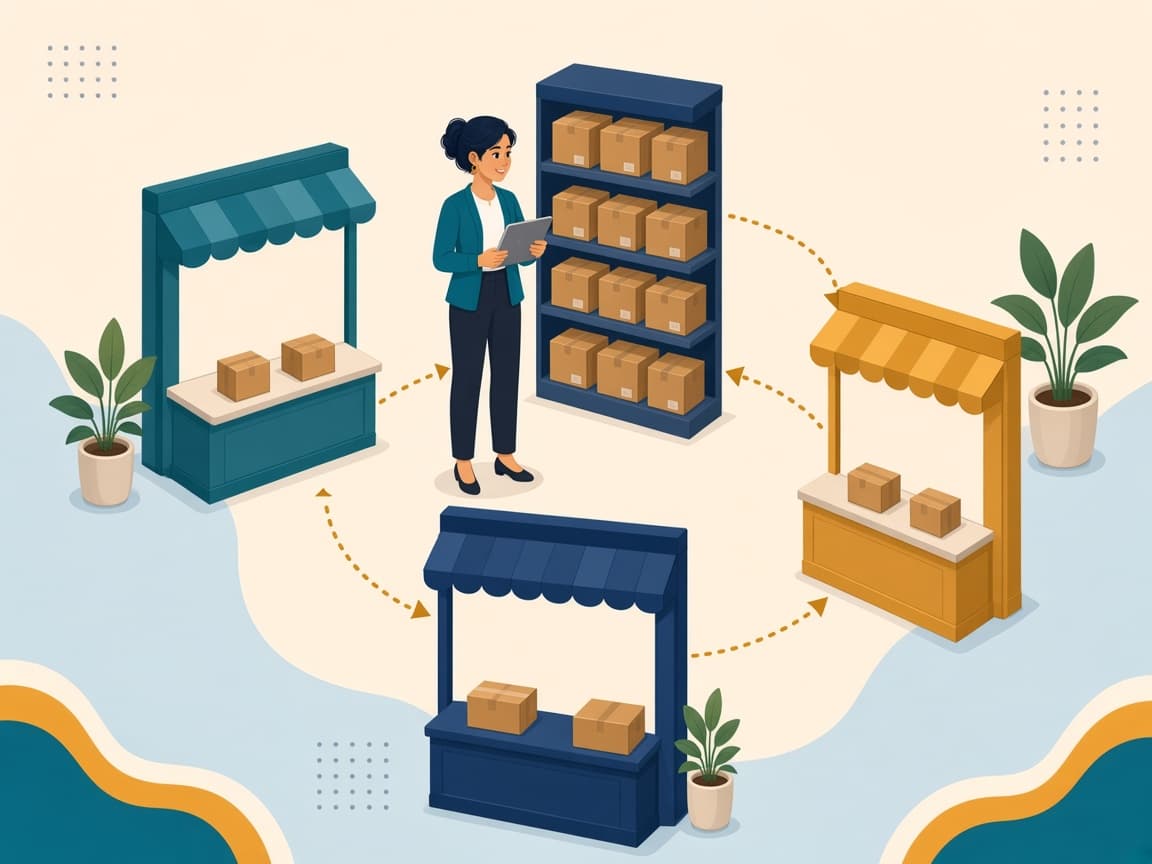
WordPress when you need control. Shopify when the store is the whole business.
- WordPress
- Shopify



01
New WordPress sites
Custom design and build for service, content, and brand sites, with a clear page structure and only the plugins the site needs.
02
WooCommerce stores
Product catalog, checkout, payments, shipping, and tax setup for stores where WordPress is the right home.
03
Rebuilds and cleanups
Audit an existing site, remove unused plugins, replace heavy builders, and fix broken layouts. When possible, keep the existing URLs intact.
Then keep it fast, connected, and moveable.
02Run
Speed, connections, and care after launch
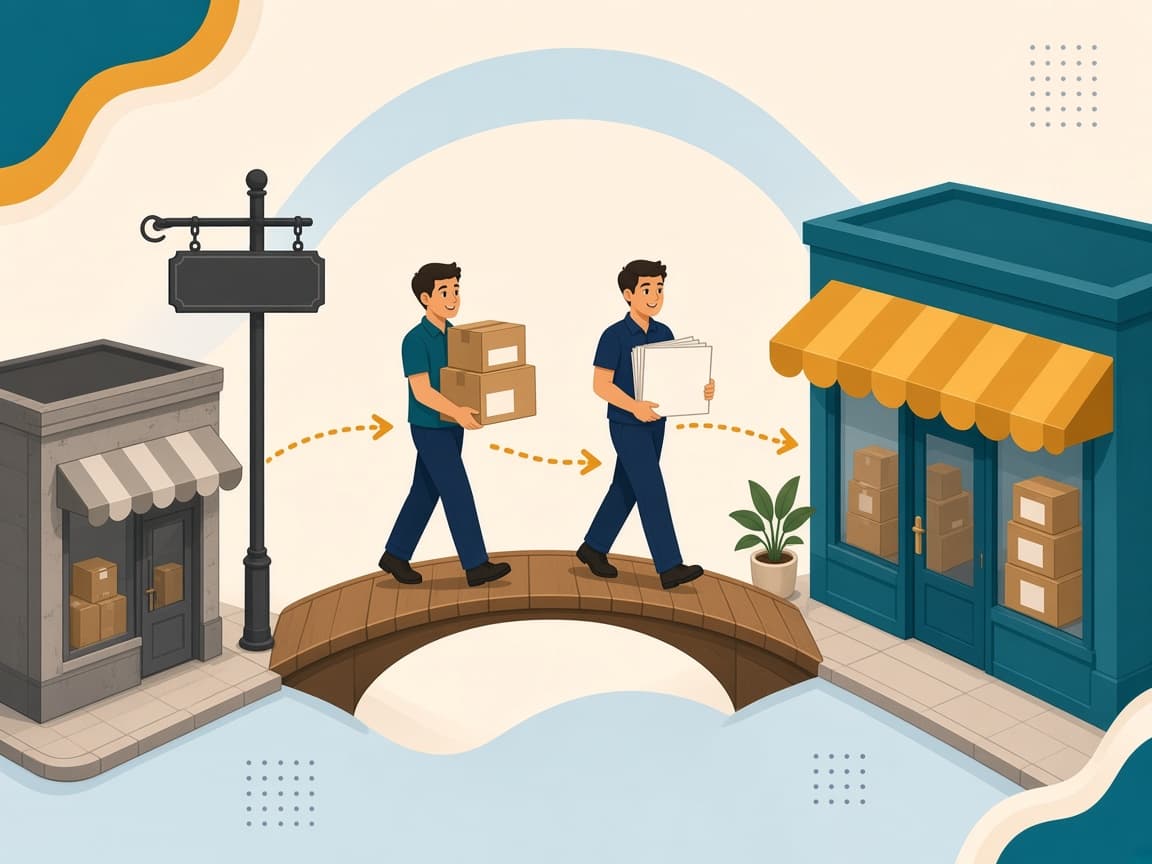
Technical SEO, marketplace and CRM connections, a monthly care plan, and migrations in either direction.
Where the brand keeps showing up
The site stays in step with Amazon, Walmart, and the store you own.
- WordPress
- Amazon
- Walmart





01
Speed and technical SEO
Hosting setup, caching, image optimization, clean URLs, redirects, sitemaps, and structured data.
02
Integrations
Connect forms, CRMs, email tools, and marketplaces such as Amazon and Walmart.
03
Ongoing care
A monthly plan can cover scheduled updates tested on staging, backups, and uptime and security monitoring.
04
Migrations
Move between hosts, or between WordPress and Shopify in either direction. Plan redirects for old URLs as part of the move.
09Choose a platform
WordPress or Shopify: which one fits you?
Neither platform is better for everyone. The right pick depends on what your site has to do and who will run it.
| Area | WordPress | Shopify |
|---|---|---|
| What the site is for | Content drives sales: blogs, guides, recipes, resources. | The store is the whole business and content is secondary. |
| Features | You need custom features, layouts, or integrations a hosted platform limits. | You want selling, checkout, payments, and POS working out of the box. |
| Ownership | You want to own the code, data, and hosting, and move hosts any time. | You’d rather pay one monthly plan and not think about hosting. |
| Payments | You use your own payment processor and want to avoid platform fees. | You’re fine using Shopify Payments. |
| Who maintains it | You have a developer or maintenance plan for updates and security. | You have no one to handle updates and want the platform to do it. |
| Business type | You’re running a service business, lead-gen site, or brochure site. | You plan to sell across many channels from one dashboard. |
10Fit
Who this is for
US-based businesses that want a WordPress site or WooCommerce store, or that already have one and need it rebuilt or maintained — especially when Amazon, Walmart, or Shopify are in the same plan.
11The process
How we work

We learn the job, audit what you have, agree the platform and the build, then launch from staging and keep improving from real traffic.
01
Learn
What the site needs to do, who edits it, and what you sell.
02
Audit
Your current site, hosting, plugins, and traffic — or competitor sites when the build is new.
03
Plan
Platform recommendation, sitemap, plugin list, and hosting, agreed before we build.
04
Execute
Design, build, content load, and testing on a staging site.
05
Refine
Launch, then fixes and improvements based on real traffic.
12Both platforms
We build on WordPress and on Shopify
If your answers point to Shopify, we’ll say so before any work starts. The right pick depends on what the site has to do and who will run it.
13Related
Related services

14Complimentary
Which platform fits, and what we’d fix first
Send us your current site, or your plan for a new one. We’ll tell you which platform fits and what we’d fix first.
15Questions
WordPress, answered
Is WordPress free?
The software is free and open-source, and WooCommerce is a free store plugin. You still pay for hosting, a domain, any premium themes or plugins, and maintenance.
What’s the difference between WordPress.org and WordPress.com?
WordPress.org is the free software you install on hosting you choose. WordPress.com is a hosted service that runs WordPress for you on paid plans. Most custom business sites use the WordPress.org software.
Is WordPress secure?
The core software is. In 2025, Patchstack reported six vulnerabilities in WordPress core, all low priority, while 91% of new issues in the WordPress ecosystem were in plugins. Security comes down to which plugins you use and how quickly they’re updated.
Can WordPress run a real online store?
Yes, with WooCommerce. The supplied WooPayments pricing source lists card processing at 2.9% + $0.30 per US card sale, with no setup or monthly fee. Confirm current fees with WooCommerce.
Is Shopify cheaper than WordPress?
It depends on size. In the October 2026 US pricing snapshot, Shopify Basic is $39 a month with hosting included. A WordPress site can cost less to run at the start, but you also pay for maintenance. As a store grows, that snapshot lists Shopify Advanced at $399 a month and Plus from $2,300, while WordPress has no plan tier. Confirm current prices before you decide.
Does WordPress hurt SEO?
No. Search performance depends on how fast, well-structured, and useful your pages are, not just the platform name. A poorly built site on any platform can struggle.
Can I move from WordPress to Shopify, or back?
Yes. Products, customers, and content can be migrated. Each old URL should have a 301 redirect to its new address to help preserve search traffic.
Do you only build on WordPress?
No. We build on WordPress and Shopify, and recommend the platform that fits your business before work starts.
16References
Sources and pricing notes
Usage shares, security reports, and platform prices can change. Verify current figures before publication or purchase.